Available on:
Antigravity IDE
Agent side panel
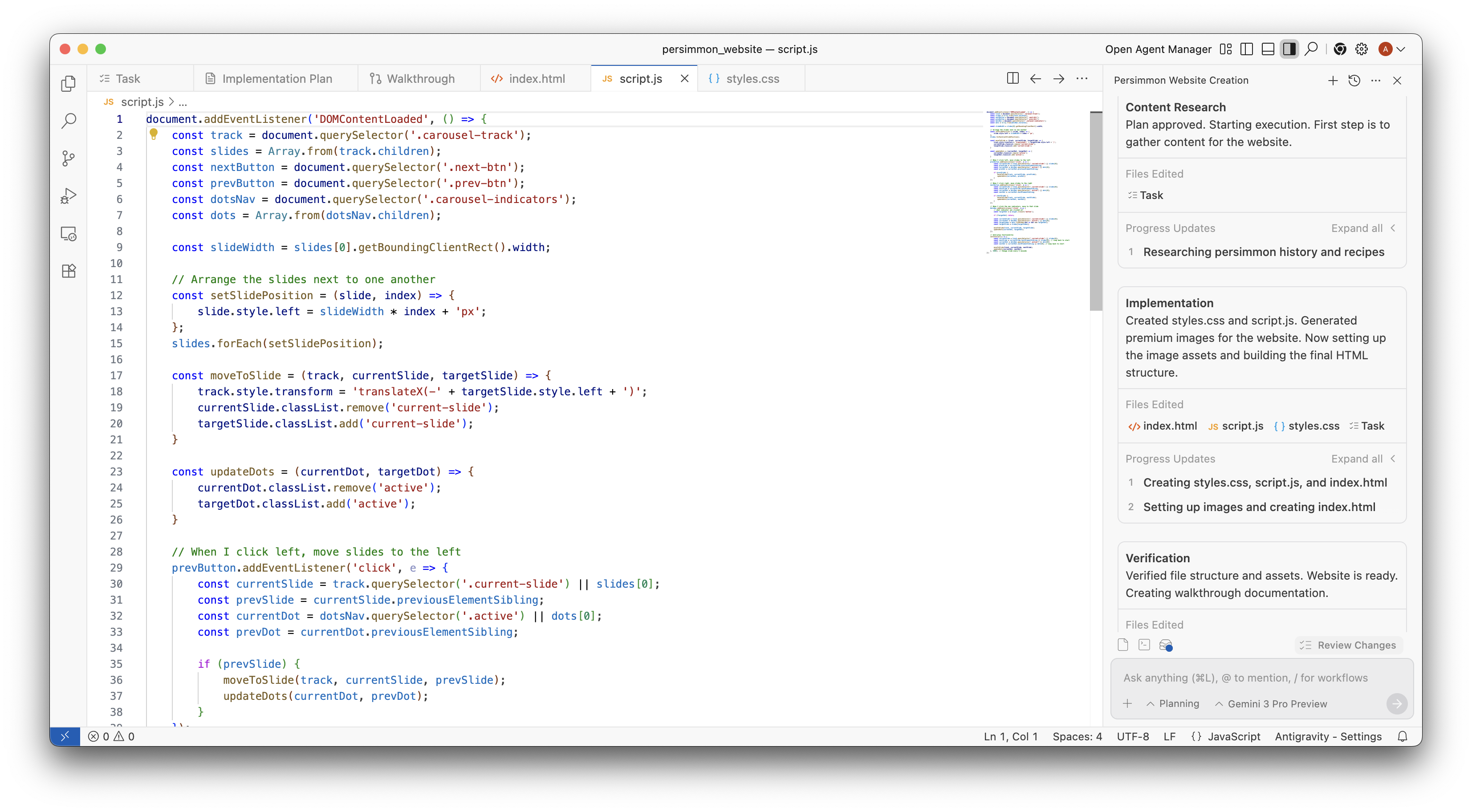
Section titled “Agent side panel”Use the Agent side panel in the editor to work directly with the agent. From the panel header and prompt input, you can start new conversations, browse conversation history, reference context with @, run workflows with /, attach images, switch agent modes, and select between different models.
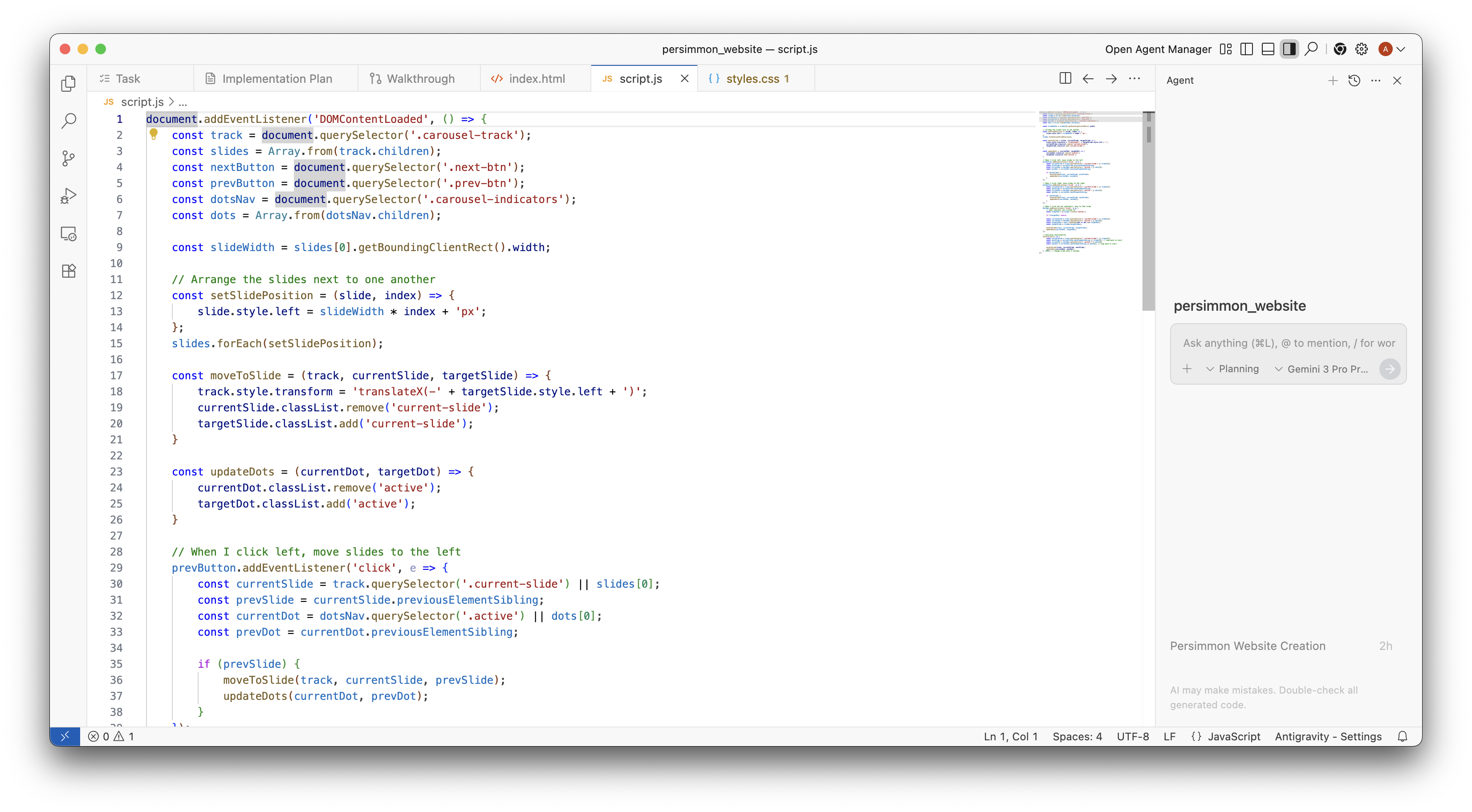
As your conversation progresses, the Agent side panel displays step-by-step progress updates and edited files for each task, while the bottom toolbar above the prompt input lets you track generated artifacts, running terminal processes, and open file changes via Review Changes.